
Overview
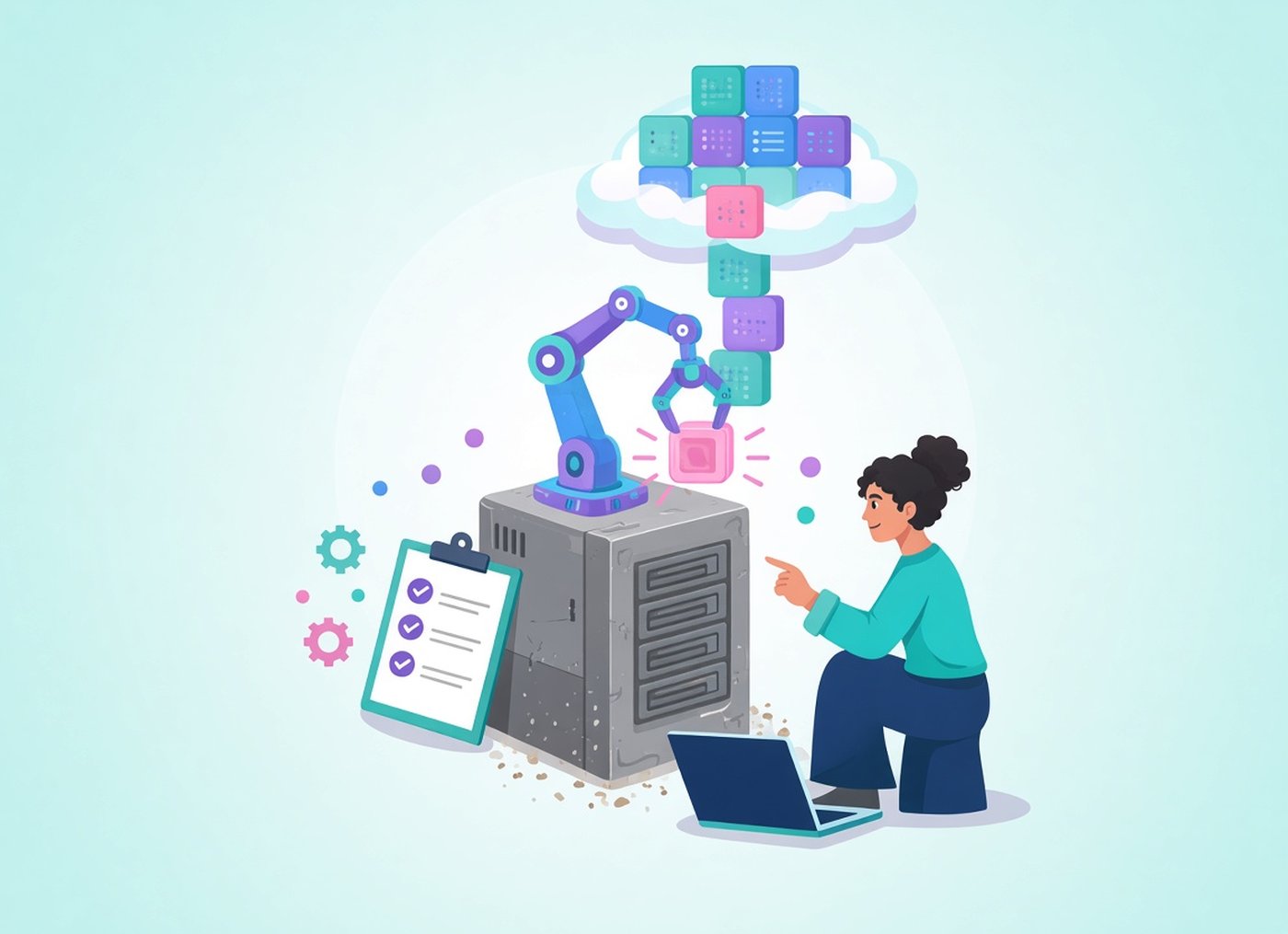
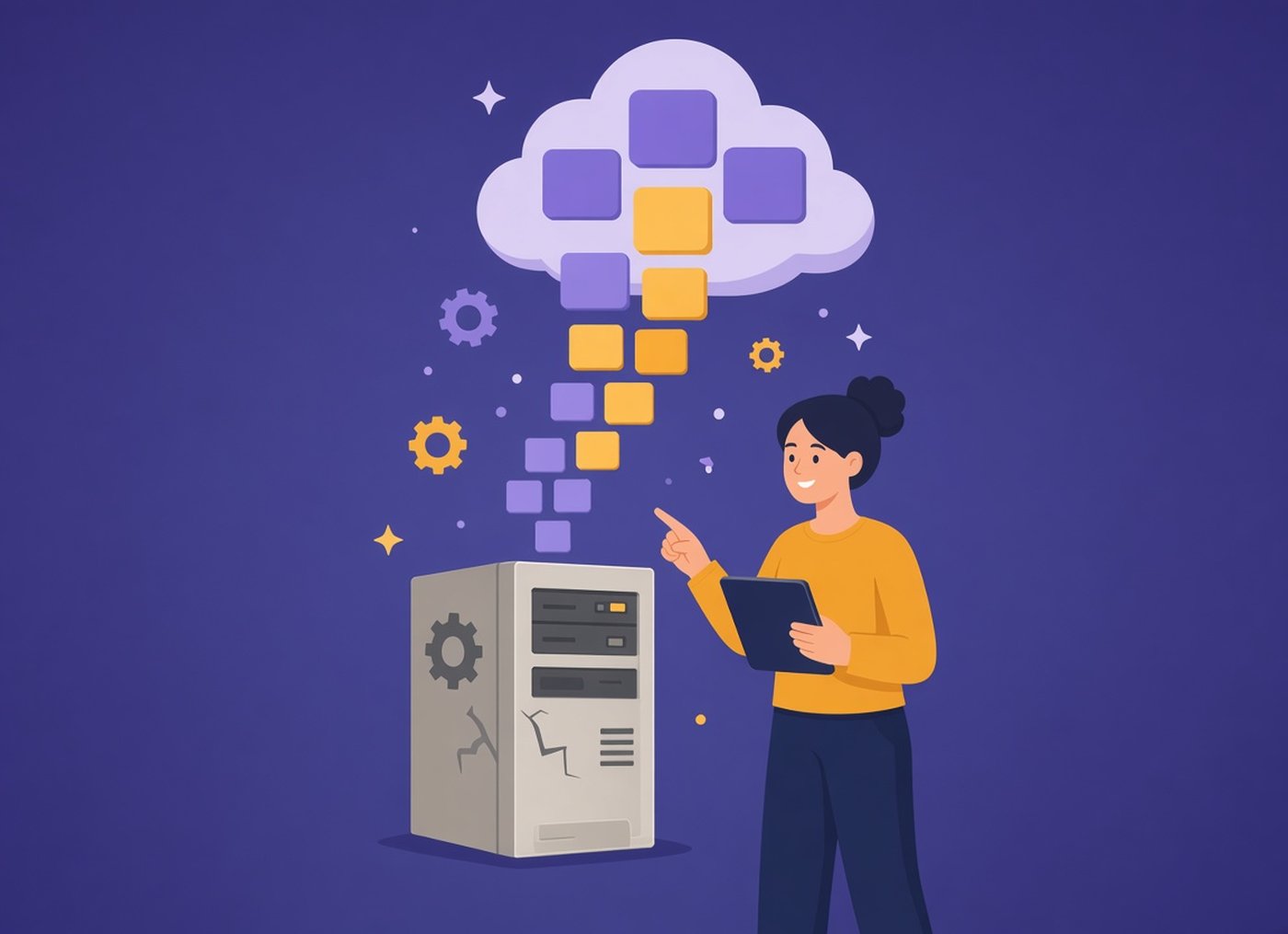
Application modernization is the process of improving an existing application so it is easier to change, cheaper to run and safer to operate. It can mean upgrading outdated frameworks and dependencies, adding automated tests, restructuring the code into clear modules, moving to cloud infrastructure or rebuilding parts of the system. The goal is to remove what holds the business back, not to adopt new technology for its own sake.
Key takeaways
- Modernization is not the same as moving to the cloud. A well-structured monolith running on premises can be a modern application.
- Most legacy systems need a mix of approaches. A full rewrite is one option, and usually the most expensive one.
- Frameworks like the AWS 7 Rs help decide what to do with each application, but they are a decision aid, not a universal standard.
- Set measurable goals before you start, and plan for the transition period: parallel operation, data migration and team training all cost time and money.
What does application modernization mean?
In simple words, to modernize an application means to bring it up to date with how software is built and run today, while it keeps doing the same job for the business. What changes is the code, the architecture, the infrastructure or the way the team delivers it.
A modern application is defined by how it behaves, not by where it runs. It is built on supported frameworks, its parts can be changed without breaking everything else, it has automated tests, and changes reach production through a repeatable pipeline. That application can be a modular monolith in your own data center. It can also be a set of cloud services. Both qualify.
Modernization work comes in different sizes:
- Upgrading the stack: moving from an unsupported framework or database version to a current one
- Improving the code: adding tests, removing dead code, breaking a tangled codebase into modules
- Fixing bottlenecks: rewriting the slow parts, adding caching, changing how data is stored
- Changing the architecture: splitting out services that need to scale or change independently
- Changing the infrastructure: moving to containers, managed services or the cloud
- Rebuilding: writing parts of the system again when repairing them would cost more
Is cloud migration the same as modernization?
Not quite. Moving an application to the cloud without changes, known as rehosting, can be part of a modernization program. It gets you off aging hardware and often comes first because it is fast. On its own, though, it does not fix problems in the code or the architecture. A slow, hard-to-change application is still slow and hard to change after it moves.
Why is application modernization important?
Legacy applications rarely fail all at once. They become harder to change and more expensive to run, a little every year. These are the problems that usually start the conversation:
- Maintenance takes most of the budget. Support contracts, aging hardware and scarce specialists for an old stack leave little money for new work.
- Security patches stop. When a framework or operating system reaches end of support, new vulnerabilities stay open. In healthcare and finance, that quickly becomes a compliance issue.
- Releases are slow and risky. Without automated tests, every change needs long manual checks, so teams batch changes into rare, large releases.
- Business rules are hard to find. Logic written years ago is often undocumented, and only a few people know how it works.
- New integrations are difficult. AI features, analytics and partner integrations need clean APIs and accessible data, which many legacy systems lack.
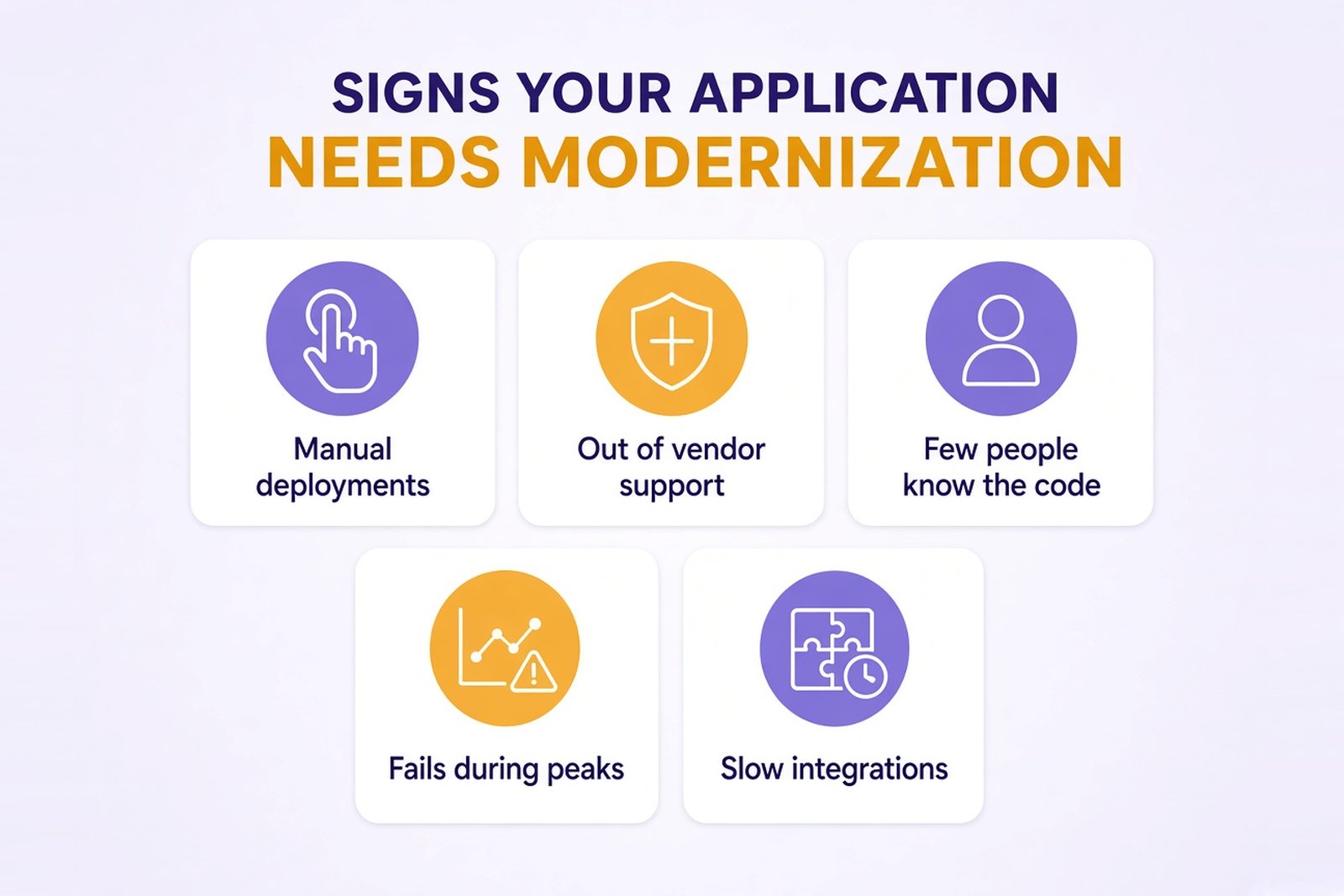
Signs your application needs modernization:
- Deployments are manual and happen once a month or less
- The framework, runtime or database version is out of vendor support
- Only one or two people can safely change the core code
- The system slows down or fails during traffic peaks
- Adding an integration takes months instead of weeks
What are the goals of application modernization?
Good modernization projects start from business objectives, not from a list of technologies. Each goal should be measurable, so you can compare the system before and after.
| Goal | How to measure it |
|---|---|
| Ship changes faster and more safely | Release frequency, lead time for changes, share of releases rolled back |
| Lower the cost of running the system | Infrastructure costs and maintenance costs per month |
| Improve reliability | Number of incidents, time to restore service |
| Close security gaps | Unsupported components remaining, open audit findings |
| Handle growth | Response times and error rates under peak load |
| Make room for new features | Share of business functions available through APIs |
Record a baseline for each metric during the assessment. Without one, you can't show what the investment changed.
What is cloud application modernization?
Cloud application modernization means changing an application so it actually benefits from the cloud: scaling with demand, using managed services and paying for the capacity it uses. It is one direction of modernization, not the only one.
The Cloud Native Computing Foundation describes cloud native technologies as a way to build and run scalable applications in public, private and hybrid clouds, with containers, microservices and declarative APIs as typical examples. That is not a required end state. Depending on its needs, a business may make an application cloud-ready, optimize it for cloud services or redesign selected components:
- Make it cloud-ready. The app runs on cloud infrastructure, configuration is kept outside the code and deployments go through a pipeline.
- Optimize it for cloud services. Managed databases and queues replace self-hosted ones, and autoscaling handles traffic spikes.
- Redesign selected components. The parts of the system that need independent scaling or frequent change are rebuilt as cloud-native services or functions.
These are options, not steps that every application has to go through. Many systems get what they need from the first or second approach. Hybrid and multi-cloud setups are also common, especially when some data must stay on premises.
Application modernization strategies: the 7 Rs
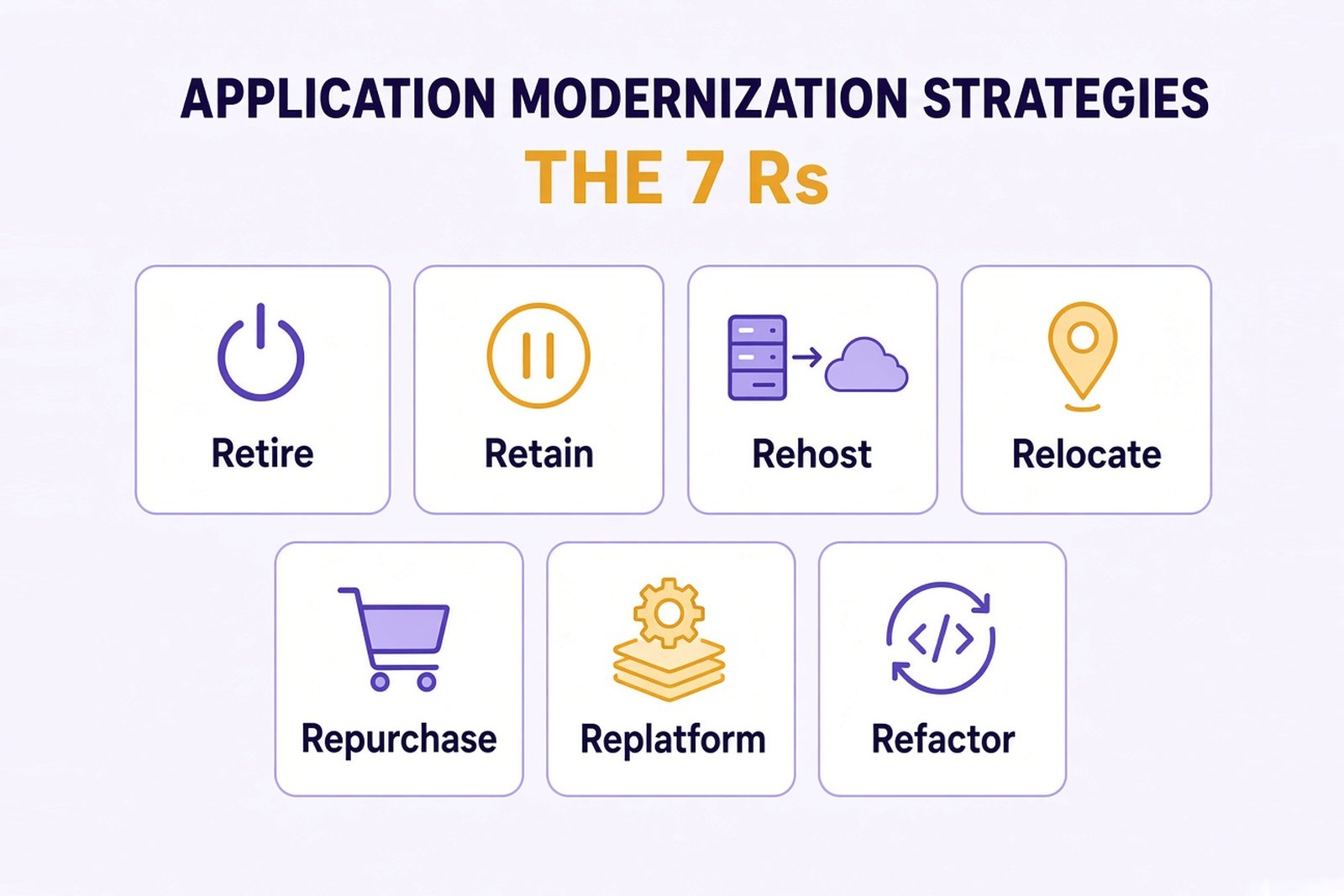
The best-known framework for choosing a modernization strategy is the 7 Rs from AWS Prescriptive Guidance. It was written for cloud migration, so it describes where each application goes and how much it changes on the way.
| Strategy (AWS) | What happens | When it fits |
|---|---|---|
| Retire | The application is switched off or archived | It no longer provides business value |
| Retain | The application stays where it is, for now | It works, or the cost of moving outweighs the benefit |
| Rehost | It moves to the cloud without changes | You need to exit a data center quickly |
| Relocate | It moves to another platform, region or account | You change hosting without touching the app, for example moving VMware workloads |
| Repurchase | It is replaced by another product, often SaaS | The function is common, like HR or CRM |
| Replatform | It moves with some optimization, for example to a managed database | You want lower operational effort without rewriting the core |
| Refactor or re-architect | The architecture changes to use cloud-native features | The application is core to the business and needs to scale or change faster |
Other frameworks group the options differently. Gartner's earlier "5 Rs" and Microsoft's Cloud Adoption Framework, for example, list rebuild separately: writing the application again on a modern stack. Whichever list you use, it helps you ask the right questions about each application. It does not make the decision for you.
Examples of application modernization strategies
- Replatform: an internal web application moves from a self-managed SQL Server to a managed cloud database. The code barely changes, and the provider takes over routine work such as patching and automated backups. The team still sets backup retention and tests restores.
- Refactor: a large order management system is split into modules for catalog, checkout and billing, one at a time, while the rest of the system keeps running.
- Rebuild: a licensed desktop product is rebuilt as a web-based, multi-tenant SaaS, because the old architecture could not support online subscriptions.
- Repurchase: a custom HR tool is retired in favor of an off-the-shelf SaaS product.
Modern technologies behind application modernization
Microservices
Microservices split an application into small services, each responsible for one business capability. A team can deploy one service without redeploying the rest. That does not remove the need for integration and end-to-end testing: services still depend on each other, and those connections have to be checked.
Containers and Kubernetes
Containers package an application with everything it needs, so it runs the same way in every environment. Kubernetes schedules and scales containers across many servers.
Serverless computing
Functions run only when an event triggers them, such as a file upload or a scheduled job. For uneven or occasional workloads, this can improve resource utilization because you pay for execution time rather than idle servers.
APIs
APIs let new and old parts of a system work side by side during the transition. They also make it easier to connect partners, analytics and AI features later.
CI/CD
Continuous integration builds and tests every change automatically. Continuous delivery keeps every change ready to release, and a person can still approve the release to production. Continuous deployment goes one step further and releases every change that passes the checks automatically. Many teams in regulated industries choose continuous delivery.
Managed services
Managed databases, queues and monitoring take routine infrastructure management off your team: patching, hardware failures, basic backups. Disaster recovery is still your responsibility. You define the recovery targets (RPO and RTO), configure replication and backups to meet them and test restores regularly.
AI-assisted modernization
AI tools can speed up code analysis, help document legacy code and draft tests before refactoring. Their output needs review by engineers, especially where the core architecture or business rules are involved.
When you don't need microservices or Kubernetes
Microservices and Kubernetes solve specific problems: parts of a system that must scale independently, or many teams working on one product. They also add operational work, monitoring and failure modes that a single application doesn't have. If your application is built and run by one or two teams and the load is predictable, a well-structured modular monolith on a managed platform is often faster to build, cheaper to run and easier to support. You can still split out a service later, when there is a clear reason.
How to modernize legacy applications: the application modernization process
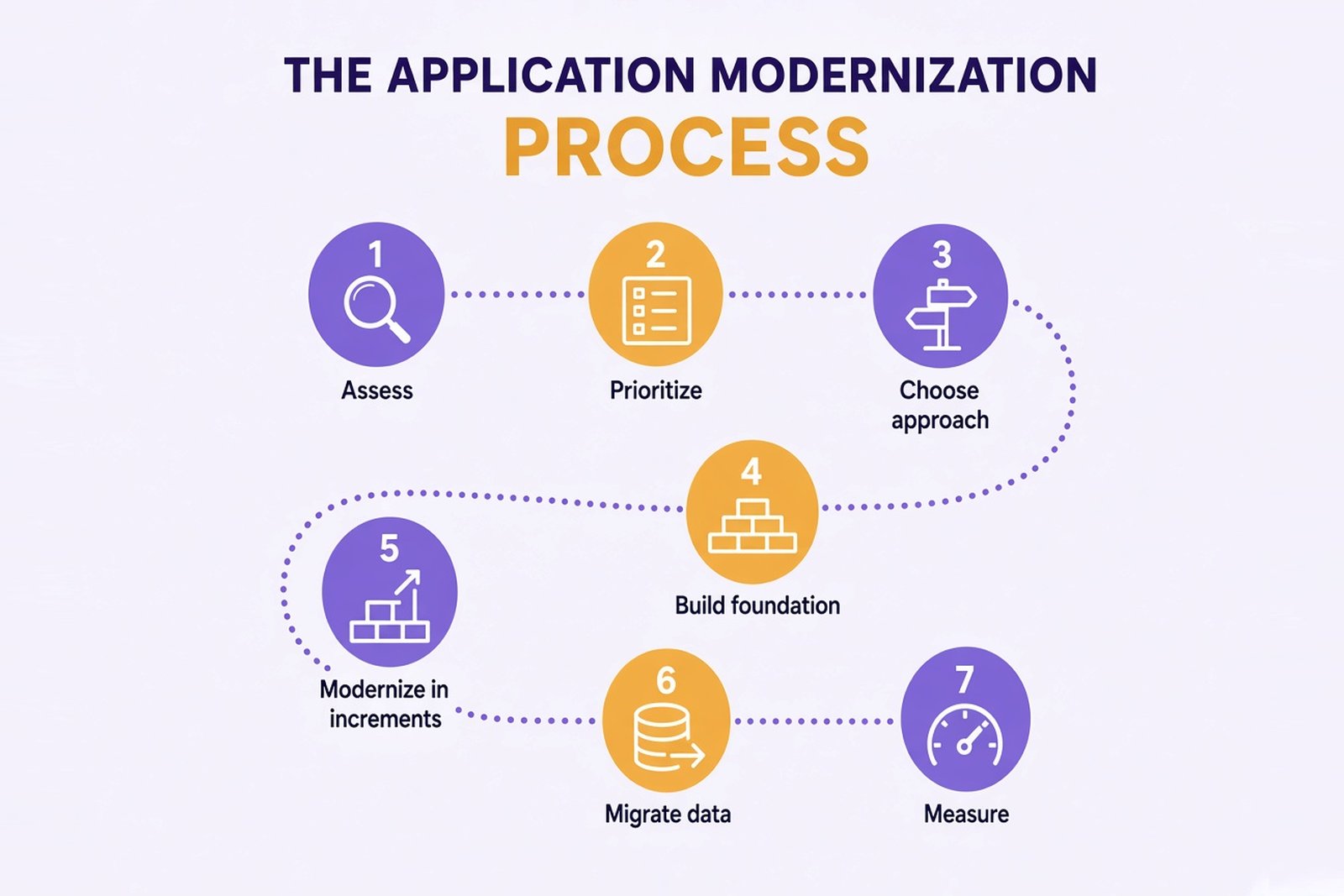
Most successful modernization projects follow a phased roadmap. Assessment, planning and foundation work come first. Implementation is then planned in increments, with each release delivering a measurable improvement, so the business sees results early and risk stays contained.
1. Assess the current state
List your existing applications, their dependencies, technical debt, support status and business value. Talk to the business teams who use them every day. For a single system, an assessment usually takes a few weeks.
2. Prioritize
Applications that are critical to revenue and expensive or risky to change usually go first. Stable, low-impact applications can wait or be rehosted.
3. Choose an approach for each application
Pick an approach based on the assessment and check technical constraints such as licensing, data residency and integrations with other systems.
4. Build the foundation
Set up environments, a delivery pipeline, automated tests, monitoring and security checks before large-scale changes. Without them, modernization can create new technical debt.
5. Modernize in increments
Replace legacy functionality piece by piece. A common technique is the strangler fig pattern: new components take over one function at a time while the old system handles the rest. This keeps disruption to business operations low.
6. Migrate data and switch over
Data migration is where many projects run into trouble. Plan mapping and validation early, compare results between the old and new systems, keep a rollback option and move users or traffic in stages.
7. Measure and improve
Compare the results with the baseline from the assessment. Review cloud spend regularly to find unused resources, and keep tuning performance after launch.
How to build an app modernization strategy that fits business needs
- Start from business needs. For each application, write down which business processes depend on it and what the business wants to change.
- Count the full cost, including the transition. Besides development, budget for running the old and new systems in parallel, data migration and validation, and training the team that will support the new system. These costs are easy to underestimate.
- Make the cost of doing nothing visible. Compare today's maintenance and operational costs and risks with the expected state after modernization.
- Fund in phases. Approve budget per phase rather than for a multi-year program upfront. Each phase should end with a clear result, such as an approved roadmap or a release, and a check against the goals.
- Involve the people who use the system. Business teams know which workflows are critical and which can change.
- Decide early who does the work. If your team has little experience with the target architecture, consider a partner for the first phases, with knowledge transfer planned from the start.
Benefits of application modernization
The benefits depend on the starting point, the chosen approach and how well costs are controlled afterward. These are the results companies most often aim for.
Reduce technical debt
Updating dependencies, adding tests and documenting business rules make the codebase easier to work with. Changes that used to need weeks of manual checking can become routine.
Lower infrastructure costs
Autoscaling and managed services can reduce costs when the load varies and resources are sized and monitored. Without cost controls, cloud bills can grow instead.
Enhanced security
Supported frameworks receive patches, and a delivery pipeline can run security checks on every change. Access control can be applied consistently across the system.
Faster, safer releases
With automated tests and a reliable pipeline, teams can release smaller changes more often. Smaller releases are easier to check and to roll back.
Scalability and performance
An architecture that can scale the busy parts of the system helps keep response times stable during peaks. Performance still depends on design choices and testing under load.
Room for new features
Clean APIs and accessible data make it easier to add AI, analytics and new integrations later.
Common challenges and how to avoid them
| Challenge | How to reduce the risk |
|---|---|
| Undocumented legacy code | Recover business rules from code and domain experts before changing anything |
| Data migration errors | Validate data in stages and compare outputs between old and new systems |
| Scope creep | Fix the scope of each phase and measure it against the goals |
| Skills gaps | Pair internal teams with experienced engineers and plan training |
| Disruption during switchover | Run old and new systems in parallel and move users in stages |
| Rising cloud bills | Tag resources by service and review spend monthly |
Real-world examples of application modernization
Desktop accounting software rebuilt as a multi-tenant SaaS
A US vendor of accounting and payroll software sold a licensed desktop product with manual license activation and phone-based billing. Calculation rules built up over a decade lived in legacy binaries. Over 18 months, a Softellar team of seven recovered the business logic from code and domain experts and rebuilt the product on .NET and Azure. The results:
- Self-serve subscriptions through Stripe replaced manual license keys and phone activation
- Parity test suites compared legacy outputs with the new services for representative customers, and payroll calculations are covered by automated tests
- Every API call carries an explicit tenant scope, so customer data stays separated
- Long payroll batches run in the background with retries, so they don't block the web application
- Audit logs are tamper-evident and can be queried
Read the full case study: Accounting Platform Modernization: Cloud-Native SaaS for a U.S. Payroll Software Provider.
Travel portal moved to Azure without downtime
A Canadian travel company's on-premise servers struggled whenever traffic spiked, and backend logic was spread across several services. The team consolidated it into one REST API, rebuilt the frontend in Angular and moved the platform to Azure. The platform serves 50,000+ daily users, and the migration ran without downtime. Read the full case study: Microsoft Azure Cloud Migration Case Study for Travel Portal.
If you are planning to modernize a legacy system, see how Softellar approaches application modernization services. For .NET Framework and ASP.NET systems specifically, see our .NET migration services.
Conclusion: application modernization starts with an honest assessment
There is no single right way to modernize. For some systems, upgrading the framework and adding tests is enough. Others need a new architecture or a full rebuild. The right choice depends on what the business needs from the application and what is actually stopping it today. Start with an assessment, agree on measurable goals, budget for the transition and plan implementation in increments, with each release delivering a measurable improvement.