Softellar

Cloud Migration Services

Cloud Migration While Your Systems Stay Live

Your applications, databases and data pipelines move to Azure, AWS or Google Cloud in phases, with the old environment running until the new one is proven.

Talk to a cloud engineer

We reply within 24 hours

Companies we have built software for

  • Multi Radiance Medical
  • Loma Lux Laboratories
  • WellVu
  • Commercial Capital Group
  • Grand Auto
  • HostMy
  • Land Base
  • Auto Tuning

What We Move to the Cloud

Our cloud migration services, workload by workload: where it runs today, where it lands, and the project where we moved it.

Cloud Migrations We Delivered

On-premises servers, legacy monoliths and desktop data tools, moved to Azure and Google Cloud while the business kept running.

Canada

Travel portal: legacy monolith moved to Azure

A high-traffic Canadian travel portal moved to Azure with zero downtime: back end on Azure Web Apps and Functions, data on Azure SQL, media on Blob Storage and releases through Azure DevOps. It supports 50,000+ daily users. Team of 6, 10 months.

  • .NET
  • C#
  • RESTful API
  • Azure Web App

From Clients We Moved to the Cloud

The Loma Lux move seen by two people on the client side, and a platform we built cloud-native on Azure.

AWS, Azure or Google Cloud

We choose the cloud from what you already run and what the workload needs. Here is when each one fits.

Tools we migrate with

  • Terraform
  • Docker
  • Kubernetes
  • SQL Server
  • PostgreSQL
  • MongoDB
  • Redis

Staying hybrid or using more than one cloud? We design what stays on-premises and what moves, and how the two connect.

See cloud architecture

How Far to Change Each Workload

Each workload gets its own strategy. The more the code changes, the more the cloud gives back, and the longer it takes.

  1. 01Rehost

    Lift and shift

    Change to the code
    Benefit from the cloud

    What changes

    The servers. The application moves as it is onto cloud virtual machines.

    Suits

    A hard deadline, such as a data-centre exit, and stable software nobody plans to change.

    Often a first step, with replatforming later.

  2. 02Replatform

    Change to the code
    Benefit from the cloud

    What changes

    The hosting. Databases move to managed services and services to containers, with small code changes.

    Suits

    Applications that work well but cost too much to host, patch and back up.

  3. 03Refactor

    Change to the code
    Benefit from the cloud

    What changes

    The architecture. Parts of the application are reworked onto cloud services such as functions and a CDN.

    Suits

    Applications that must handle more users or release more often.

  4. 04Rebuild

    Change to the code
    Benefit from the cloud

    What changes

    Everything. The product is rewritten as cloud-native services, keeping its business rules.

    Suits

    Software that cannot run in the cloud as it is, such as a desktop product becoming SaaS.

Not everything should move

Retire what nobody uses, before paying to migrate it.

Retain what must stay on-premises and connect it over VPN, as Loma Lux did during its move.

One Move, Stage by Stage

The Loma Lux Laboratories move from on-premises servers to Azure, drawn as a hybrid network: what crossed the VPN, and in what order.

  1. 1

    Non-critical components first

    They moved before anything customers depend on, to validate the flow over the hybrid network.

  2. 2

    Databases to Azure SQL Database

    Data Migration Assistant checked compatibility and Azure Database Migration Service moved the data, with downtime planned in advance.

  3. 3

    The PHP web application to App Service

    The customer-facing site moved to a managed platform, with no manual server patching and auto-scaling during traffic peaks.

  4. 4

    Background services to Container Instances

    Inventory sync and internal notification handlers were containerized with Docker and run on ACI, with no Kubernetes cluster to manage.

  5. 5

    Load testing before go-live

    QA, load testing and validation ran before the switch, and edge cases for backward compatibility were resolved.

  6. 6

    The client’s IT team trained

    Documentation and hands-on sessions covered Azure Monitor, App Insights, cost optimization and identity management.

Loma Lux case study

Which Workload Moves First?

List what runs today, and a cloud engineer will suggest the order and the cutover for each.

We reply within 24 hours and can sign an NDA first.

Have files or a long brief? Use the full form

How a Cloud Migration Runs

Six phases from inventory to handover. Nothing critical moves until the path has been tested on something that is not.

  1. 011-2 weeks

    Assessment and inventory

    We list every application, database, job and integration, map what depends on what, and agree what must not go down.

    • Application and data inventory
    • Dependency map
    • Risks and constraints
  2. 022-3 weeks

    Plan and target architecture

    Each workload gets a strategy and a place in the cloud, and the migration is split into waves with dates.

    • Target architecture
    • Strategy per workload
    • Wave plan and cost estimate
  3. 031-2 weeks

    Landing zone

    We build the cloud environment before anything moves into it.

    • Networking and VPN to your site
    • Identity and access
    • Monitoring, backups and recovery
  4. 042-8 weeks

    Migration in waves, non-critical first

    Low-risk workloads move first and prove the approach. Critical systems follow once the path is tested.

    • Data migrated and checked
    • Applications deployed and tested
    • Performance compared with the old setup
  5. 051 week

    Cutover

    Traffic switches to the cloud while the old environment stays ready as the rollback path.

    • Rehearsed switch
    • DNS and traffic change
    • Close monitoring after go-live
  6. 06Ongoing

    Optimization and handover

    We tune cost and performance on real usage, then hand over with documentation and training, or keep running it.

    • Cost and performance tuning
    • Documentation and team training
    • Ongoing support if you need it

Cutover: Two Environments, One Switch

Users stay on the old environment until the new one is proven, and it stays ready as the way back after the switch.

The current environment serves users through build and sync, rehearsal and the switch, then stays as the rollback path and is switched off once the cloud environment is stable. The cloud environment is built and rehearsed first, and serves users from the switch onwards.
  1. 01Build and sync

    The cloud environment is built and the data is copied and kept in sync. Users stay on the old one.

  2. 02Rehearse

    The switch is run end to end before the real one, including the way back.

  3. 03Switch

    Traffic moves to the cloud in a planned window. The old environment keeps running, untouched.

  4. 04Watch

    Errors and performance are watched closely. Once the cloud side is stable, the old one is switched off.

What Users Noticed on Switch Day

Little or nothing. Three migrations where the old environment stayed ready as the way back:

US Office, European Engineering

Headquartered in Warsaw, Poland, with a client office in New York. A European engineering team that works in your hours, with a US point of contact.

Headquarters

Warsaw, Poland

Engineering and delivery, and the main contact point for clients in Europe.

Client office

New York, United States

Kickoffs, contracts and account management for North American clients.

Shared hours with North America

Clients in Europe share the full working day with the team.

8 AM to 12 PM New York time, 2 PM to 6 PM in Warsaw.

Three Ways to Run the Migration

Engineering in Warsaw, a client office in New York, and working hours that overlap with US Eastern Time.

Not sure which model fits your migration? Tell us what runs today and where it should land, and we'll suggest the model that fits. The consultation is free.

Book a free consultation

What the Move Changed

What each client got from the cloud once the migration was done.

  1. 01

    Faster pages, less downtime

    After the move to Azure, Loma Lux customers got faster website load times and the business saw less infrastructure-related downtime.

    Loma Lux on Azure
  2. 02

    Traffic spikes absorbed

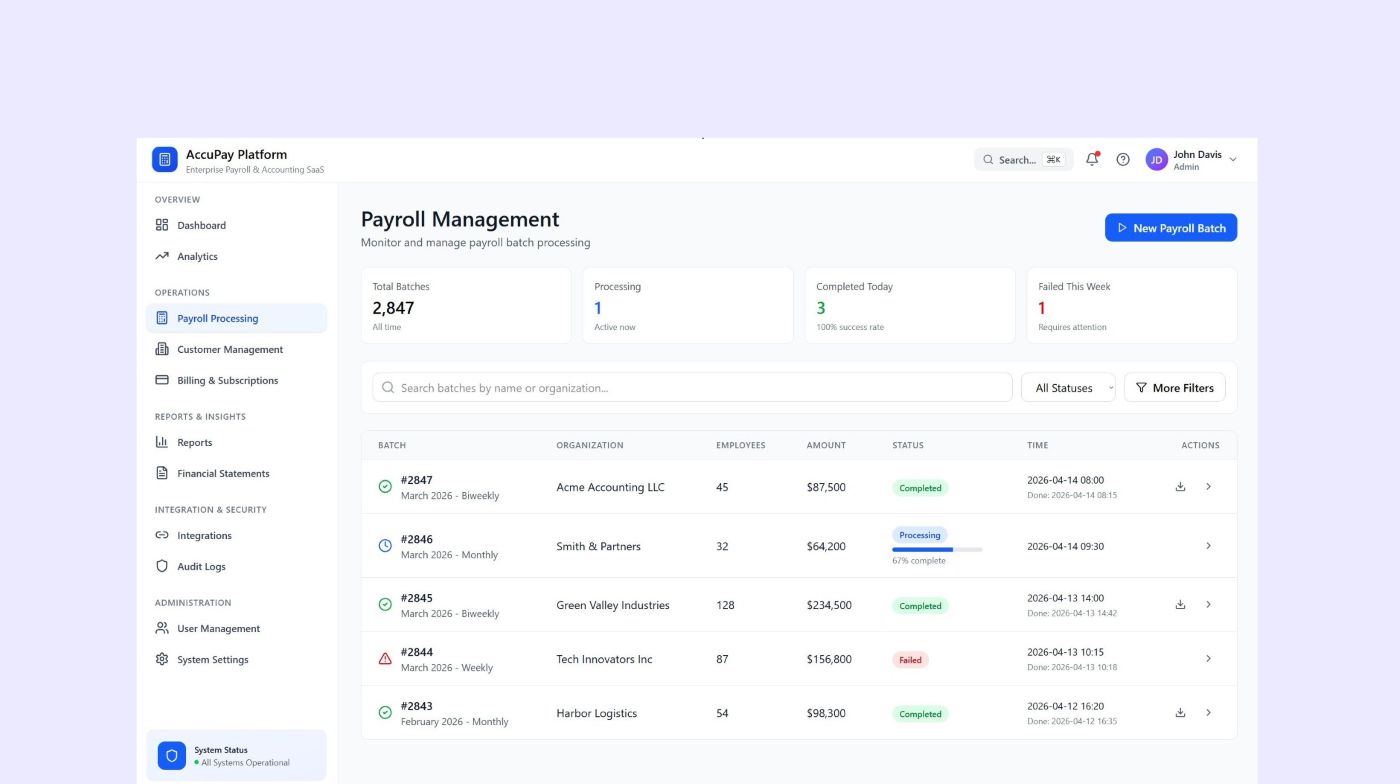
    An accounting platform’s elastic Azure footprint absorbs pay-cycle spikes without over-provisioning year-round.

    Accounting platform on Azure
  3. 03

    Lower running costs

    A retailer’s partitioned and clustered BigQuery schema cut query costs by 40-60%, and reduced daily runtime load by over 60%.

    US retailer on Google Cloud
  4. 04

    Backups and recovery built in

    Managed Azure databases brought automated backups, geo-redundancy and point-in-time restore, with no backup scripts to maintain.

    Loma Lux on Azure
  5. 05

    Safe, fast releases

    On Azure, a travel portal’s CI/CD pipelines in Azure DevOps enabled safe, fast feature rollouts.

    Travel portal on Azure
  6. 06

    A team that can run it

    Post-migration training enabled the client’s internal team to manage the new infrastructure more efficiently.

    Loma Lux on Azure

Recognized for Cloud Work

Four cloud awards come first here, next to our Clutch, TechReviewer and GoodFirms recognition.

Related reading

Read Before You Move

Guides from our engineers on infrastructure as code, cloud storage and the pipelines that ship to the cloud.

All Insights

Frequently Asked Questions

Answers to common questions about our cloud migration services and process.

Have a different question? Talk to our team

What Runs Where Today?

Tell us what runs today and where it should land.

We reply within 24 hours, and we can sign an NDA before you share details.

Talk to the people who will scope your project